
Download onlineTV – internet radio, live TV streaming, online TV, radio stations, video clips, news, webcams, audio recording, mp3 recording, customizable interface, free mobile app
Overview
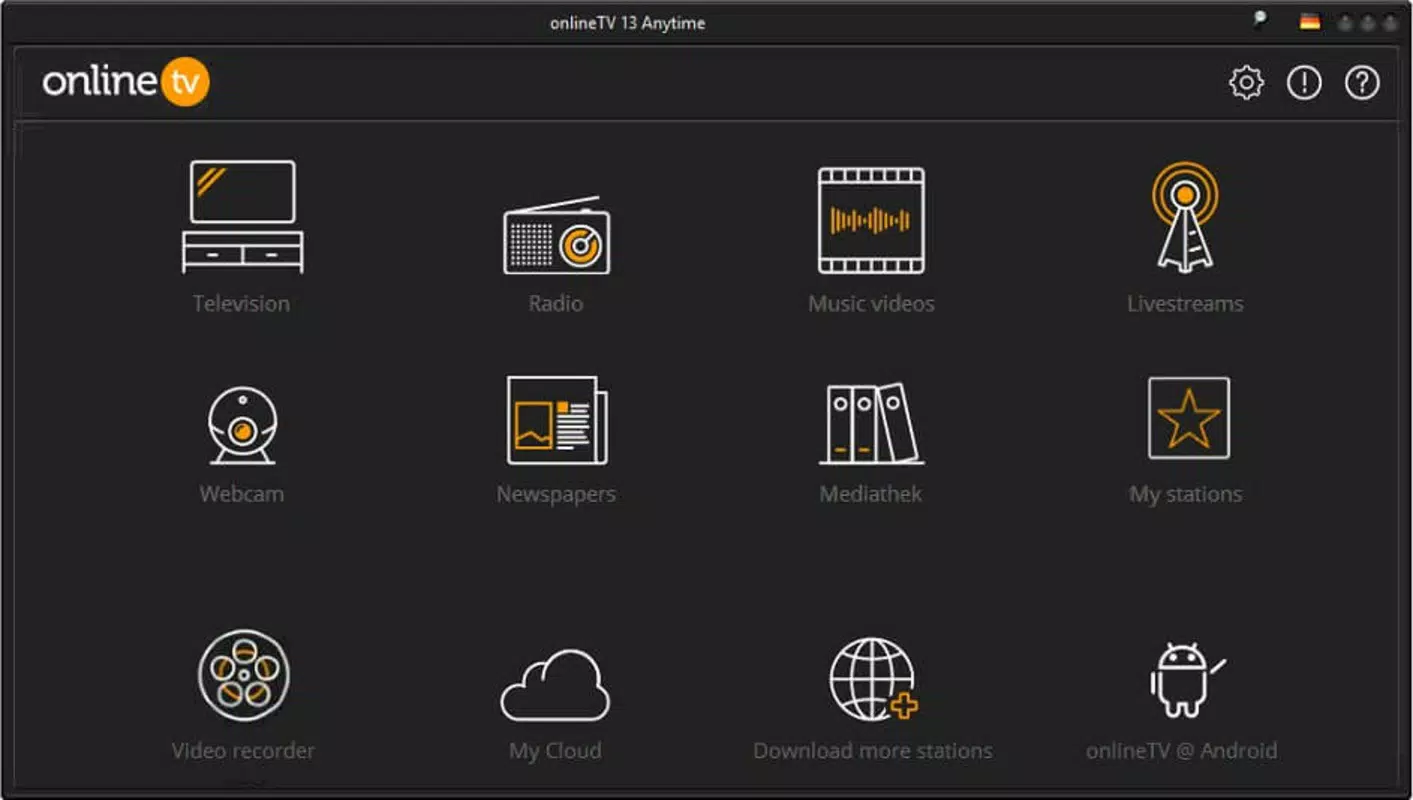
onlineTV is a multifunctional mobile application designed to deliver a comprehensive media experience through internet-based content. The app serves as a centralized platform for accessing live internet radio stations, streaming television channels, viewing video clips, reading global news, and monitoring live webcams from cities worldwide. With a vast library of over 2,500 radio stations, 600 TV channels, 100 international newspapers, and 130 webcams, onlineTV offers users a diverse range of digital media sources in one interface. It is particularly useful for individuals seeking real-time global content, including music lovers, news enthusiasts, travelers, and digital media consumers who value variety and accessibility.
The app addresses the growing demand for cross-platform media consumption by consolidating multiple streaming services into a single application. Users can enjoy uninterrupted access to international broadcasts without the need for multiple subscriptions or apps. This makes onlineTV a valuable tool for language learners, expatriates, and cultural explorers who wish to stay connected to global media ecosystems. The developer, onlineTV, has positioned the app as a free utility focused on media aggregation and accessibility, emphasizing inclusivity and ease of use.
Although the developer did not provide additional technical details about the development background or company history, the app’s scope suggests a focus on content curation and user experience. The integration of audio recording functionality and customizable interface further indicates a commitment to user personalization and practical utility. The app’s role in the mobile entertainment ecosystem is significant, offering a free alternative to premium media platforms with broad international reach.
Key Features & Functionality
- Live Internet Radio Streaming – Access to over 2,500 radio stations from around the world, enabling users to tune into local and international broadcasts in real time.
- Live TV Channel Streaming – Stream more than 600 internet-based television channels, including news, entertainment, sports, and regional programming.
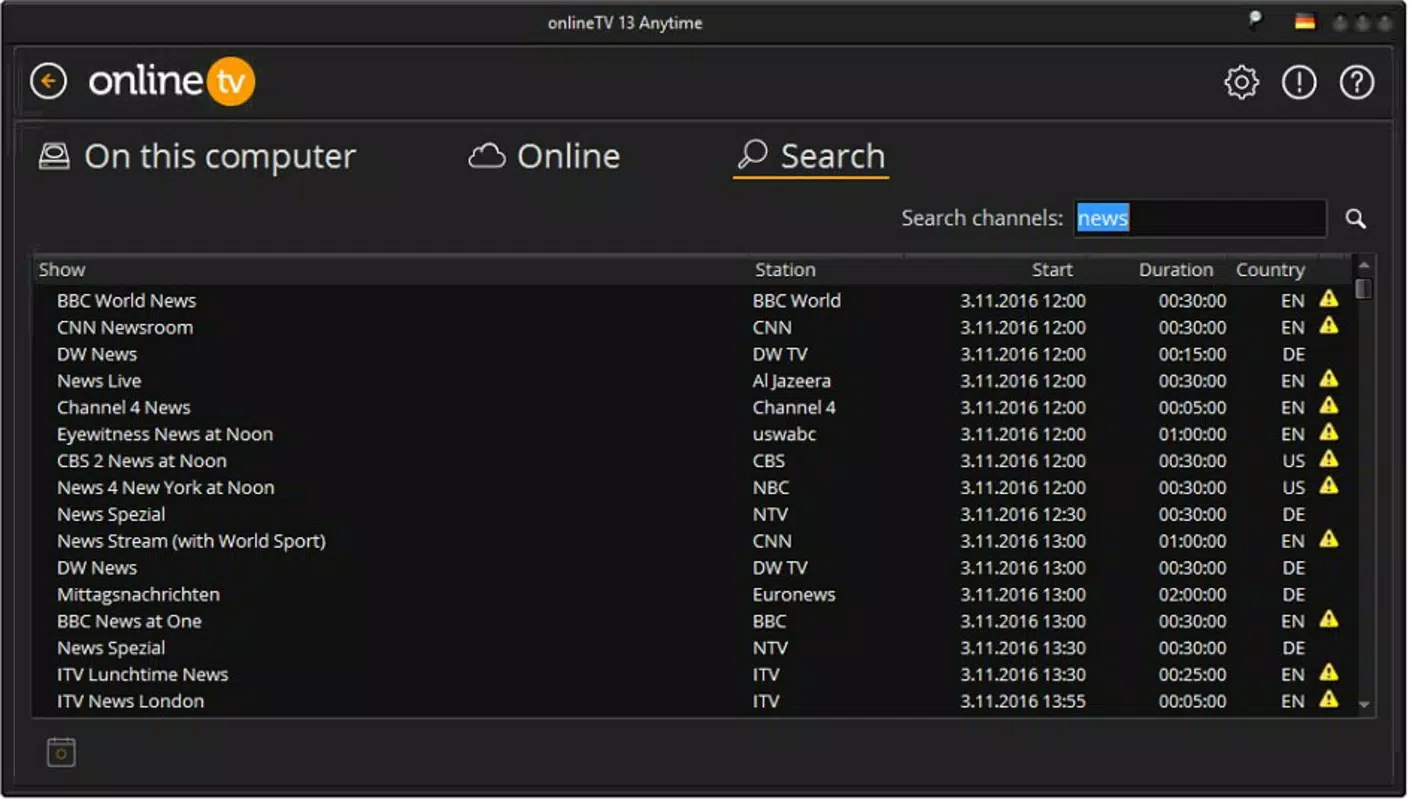
- Global News Access – Read articles from 100 newspapers across different countries, providing up-to-date coverage on international events and local developments.
- Live Webcam Monitoring – View real-time video feeds from 130 webcams located in major cities worldwide, ideal for travel planning or remote sightseeing.
- Audio Recording with Metadata – Record live radio broadcasts directly within the app and save them as MP3 files, complete with track title and artist information.
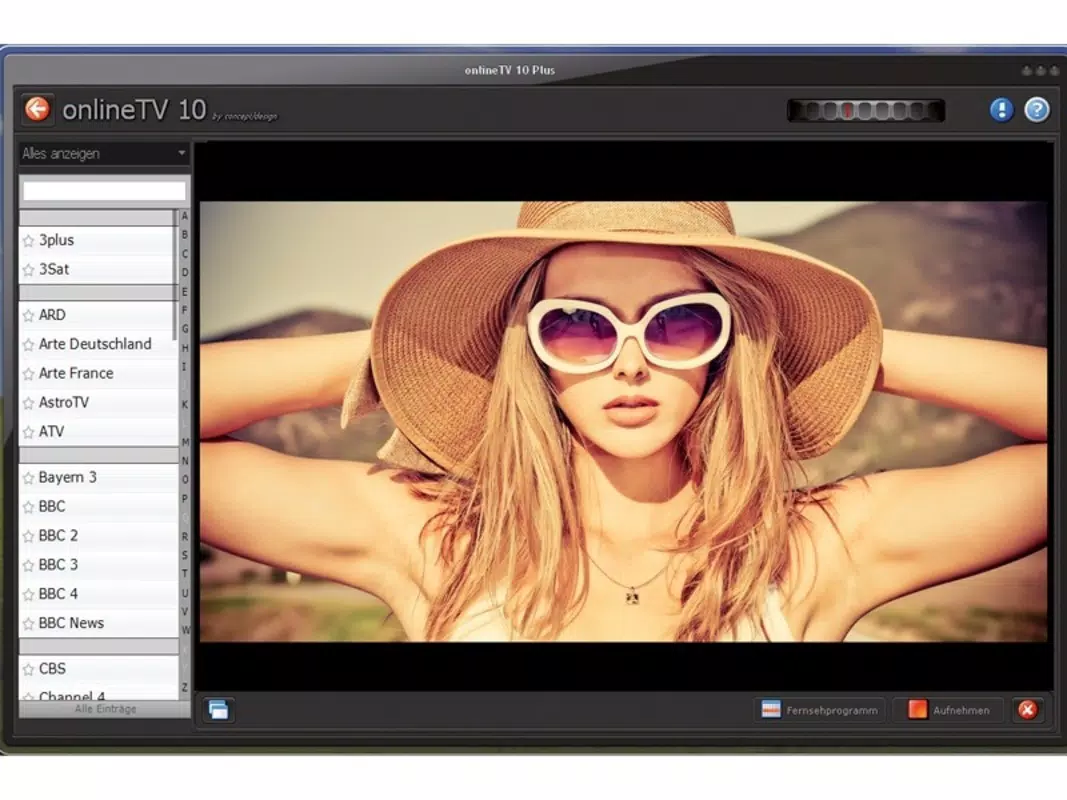
- Customizable Interface – Fully skinnable design with eight distinct visual themes, allowing users to personalize the app’s appearance to match their preferences.
- Video Clip Playback – Watch short video content directly within the app, enhancing the multimedia experience beyond audio and static media.
These features support a range of real-world use cases. For example, a user traveling abroad can stay informed about home country news while listening to local radio. A music enthusiast can record a favorite live broadcast for offline listening later.
A student studying foreign languages can practice listening skills by tuning into international radio stations. The ability to record audio with metadata ensures that users can organize and revisit their recordings efficiently. The customizable interface enhances usability by adapting to different user tastes and accessibility needs.
Interface, UX & Performance
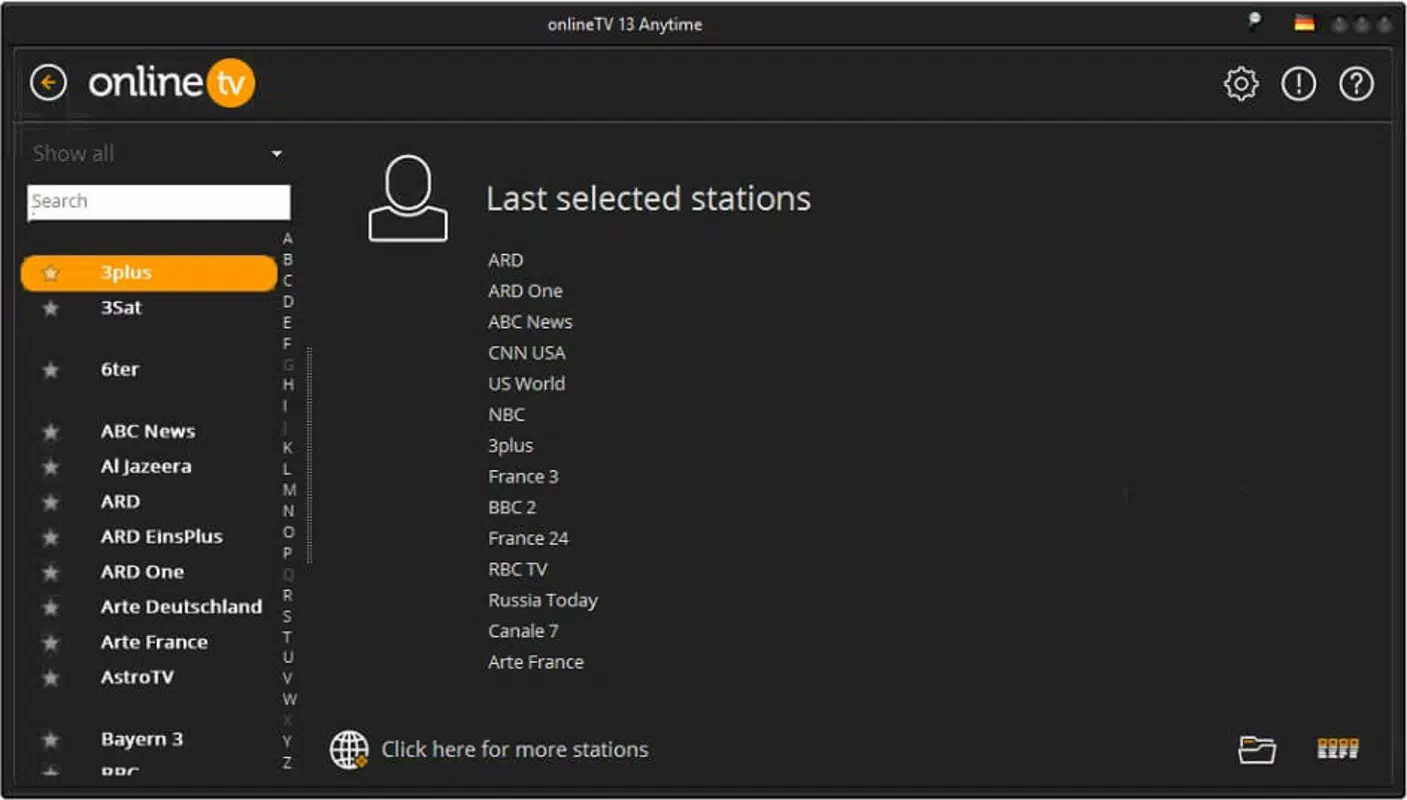
onlineTV presents a clean and functional user interface designed for ease of navigation. The layout organizes content into clear categories—radio, TV, news, webcams, and recordings—allowing users to switch between media types with minimal effort. The app’s visual style is modern, with intuitive icons and a responsive layout that adapts to various screen sizes. Navigation is straightforward, relying on a bottom menu bar and collapsible side panels, which reduces the need for backtracking.
Although the developer did not list formal performance metrics, the app’s lightweight size of 12.5 MB suggests efficient resource management. The interface remains responsive during media playback, with minimal lag during channel switching or content loading. Stability appears consistent across different device categories, though specific requirements were not disclosed. Users can expect smooth performance on mid-range and higher-end Android devices, particularly those with stable internet connectivity.
The app’s ability to handle multiple simultaneous streams—such as playing audio while viewing a webcam feed—demonstrates solid background processing. The built-in recorder operates reliably, saving files with accurate metadata. Overall, the UX prioritizes functionality and accessibility, making it suitable for users of varying technical proficiency. The lack of onboarding tutorials is offset by the app’s intuitive design, which allows immediate use upon installation.
Platform Compatibility & Technical Requirements
onlineTV is available exclusively on the Android platform. The current version is 1.2.1, with a file size of 12.5 MB. This relatively small footprint indicates optimized code and minimal bloat, which is beneficial for devices with limited storage. The app is free to download and install, making it accessible to a wide audience.
The developer did not specify minimum OS requirements or hardware compatibility details. As such, users should ensure their Android device supports the latest streaming protocols and has a stable internet connection. While no formal testing data was provided, the app’s lightweight nature suggests compatibility with a broad range of Android devices, including those released in recent years. It is recommended to verify device compatibility through official channels before installation.
Pros and Cons
Pros
- Free to download and use with no in-app purchases
- Extensive library of global media sources including radio, TV, news, and webcams
- Integrated audio recording with MP3 output and metadata tagging
- Highly customizable interface with eight different skins
- Lightweight size (12.5 MB) suitable for devices with limited storage
- Supports multiple media types in a single app, reducing app clutter
Cons
- Specific system requirements were not listed by the developer
- No information provided on update frequency or developer support
- Compatibility with older Android versions remains unclear
- Streaming quality may vary based on internet speed and server availability
- Interface customization does not extend to layout or widget placement
FAQ
Is onlineTV available for iOS devices?
As of now, onlineTV is only available for Android. There is no official iOS version released.
Can I record live radio broadcasts and save them as MP3 files?
Yes, the app includes a built-in audio recorder that allows users to record live radio streams and save them as MP3 files with metadata such as song title and artist name.
Does the app require an internet connection to function?
Yes, onlineTV relies on a stable internet connection to stream live content, access news, and view webcams. Offline functionality is limited to recorded files.
How often are the media sources updated?
The developer did not provide information on update frequency for radio stations, TV channels, or news sources. Content availability may vary over time.
Is the app safe to download and install?
onlineTV is available through official Android channels and is free of known malware. Users are advised to download from trusted sources to ensure security.
Final Thoughts
onlineTV stands out as a powerful, free mobile app that brings together a vast array of global media content in a single, streamlined interface. Its combination of live radio, TV streaming, news, webcams, and audio recording makes it a versatile tool for entertainment, education, and information gathering. The ability to customize the interface with eight different skins enhances personalization, while the built-in recorder adds practical value for users who want to preserve favorite broadcasts.
Although the developer did not disclose detailed technical specifications or update schedules, the app’s lightweight design and broad content library suggest strong performance and long-term usability. It is ideal for users seeking a comprehensive media experience without subscription costs. Whether you're a music lover, news junkie, or digital explorer, onlineTV offers a rich, accessible platform for global content consumption.
Download onlineTV now


